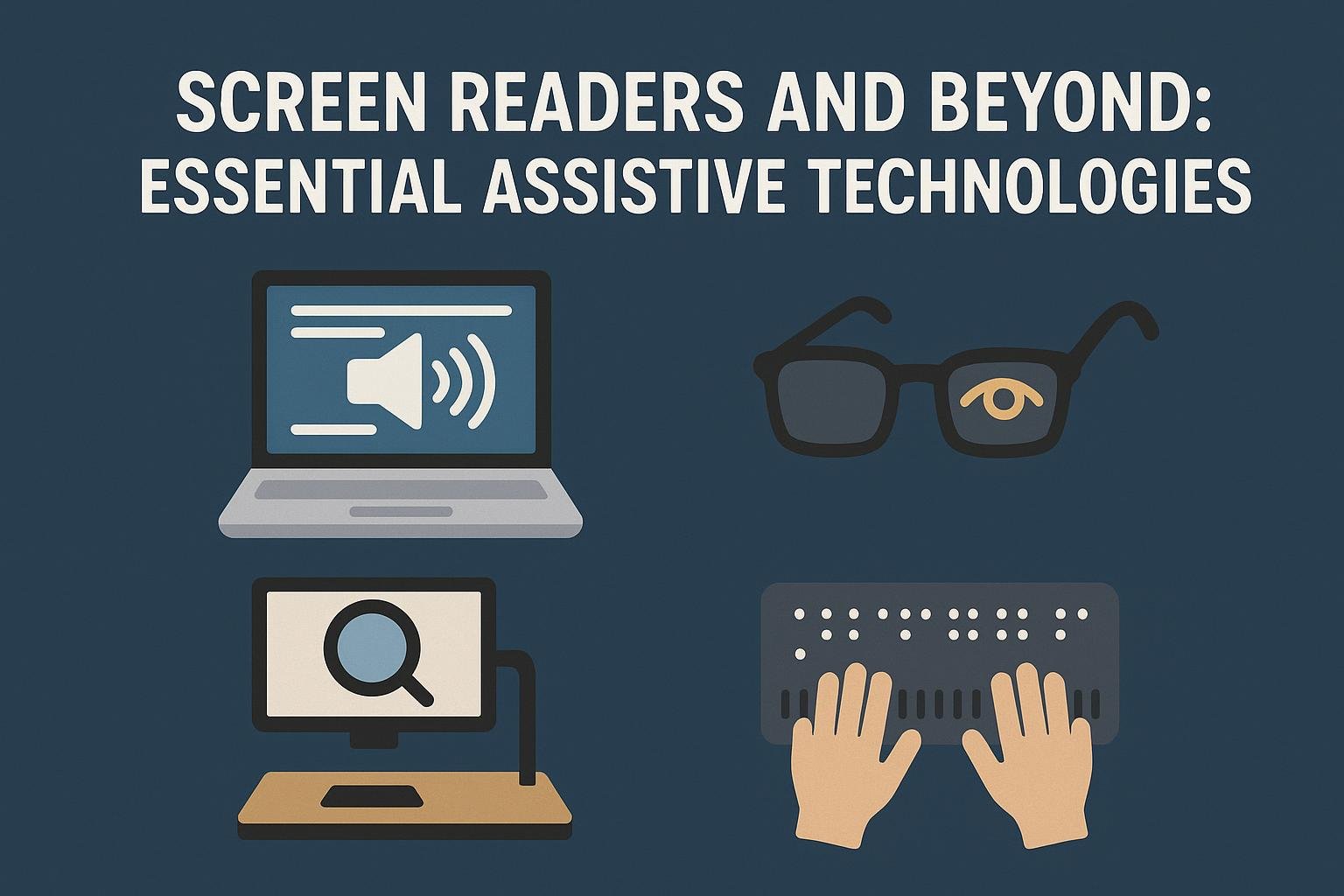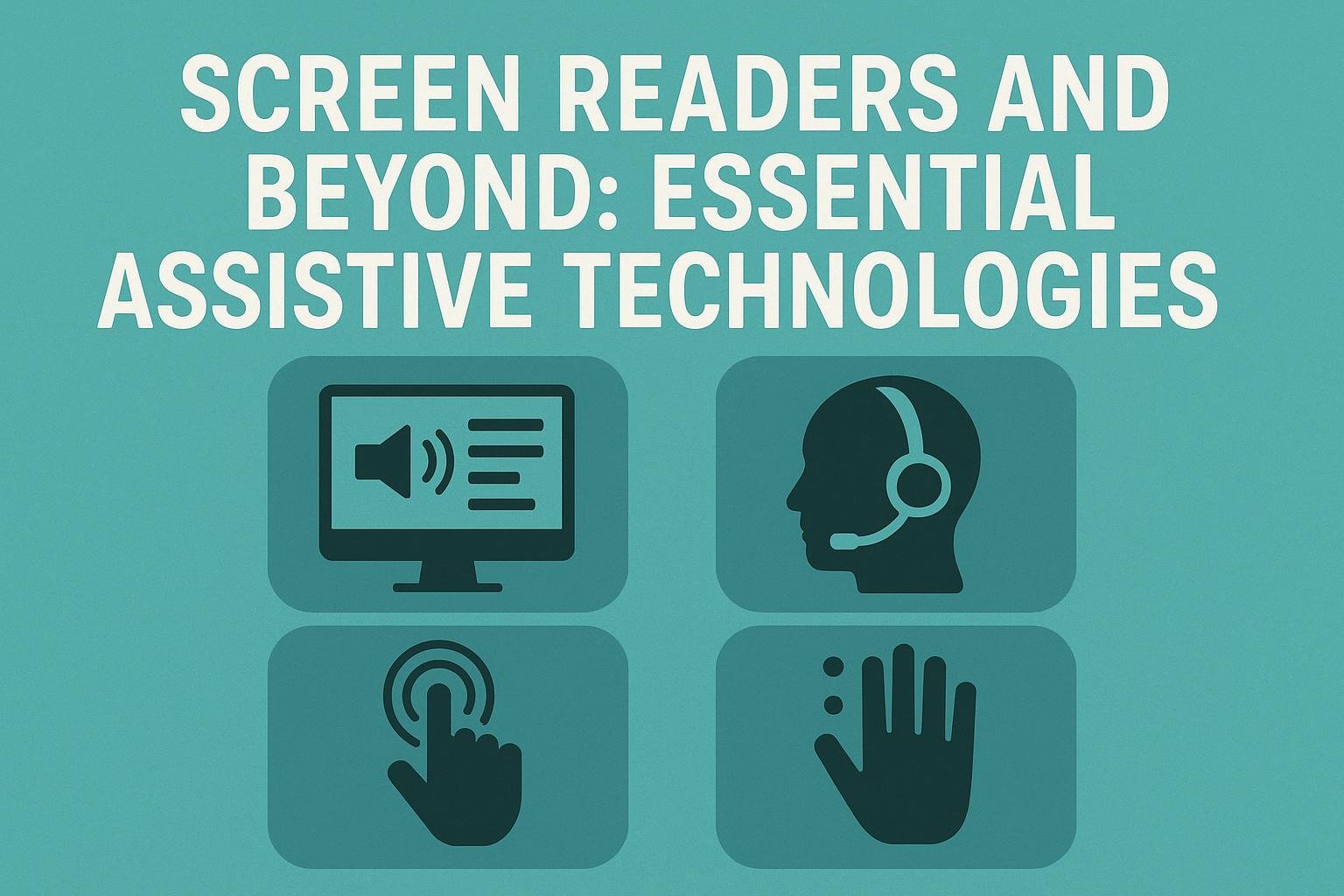
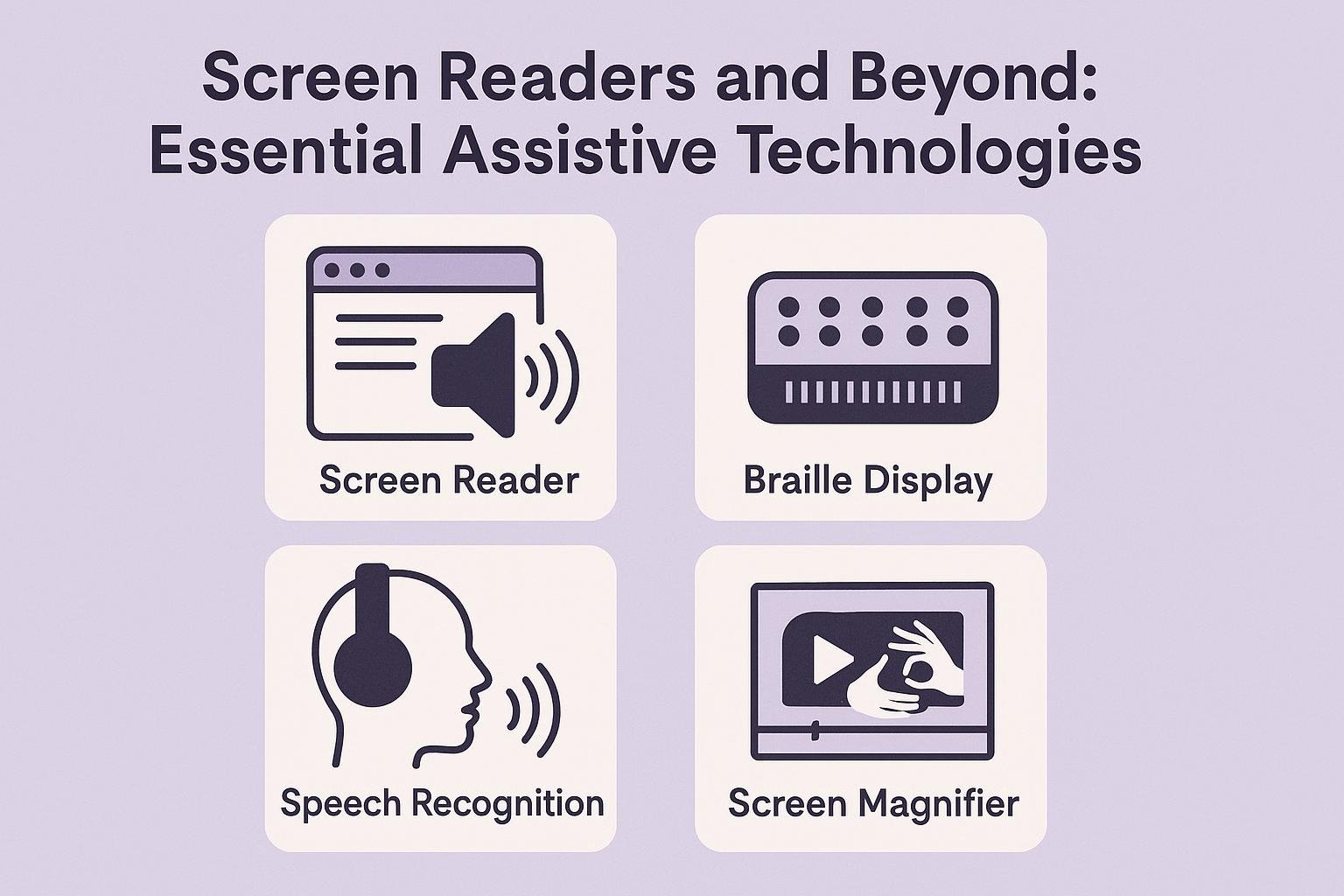
Assistive technologies help people with disabilities interact with computers and access information. This article explores screen readers and other crucial assistive technologies.
What are Screen Readers?
Screen readers are software programs that convert text displayed on a screen into speech or Braille. They allow users with visual impairments to understand and navigate digital content.
How Screen Readers Work
Screen readers analyze the text on the screen and read it aloud. Users can control the speed and voice settings. Many screen readers are compatible with various operating systems and browsers, making them versatile for different devices.
Popular Screen Reader Options
-
JAWS (Job Access With Speech): A leading screen reader for Windows, JAWS offers extensive features for users, including support for various applications.
-
NVDA (NonVisual Desktop Access): This free, open-source screen reader runs on Windows. It provides essential features for users and supports many languages.
-
VoiceOver: Built into Apple products, VoiceOver offers a seamless experience for Mac and iOS users, supporting gestures and shortcuts.
-
TalkBack: This screen reader is available on Android devices, providing accessibility features directly within the operating system.
Benefits of Screen Readers
-
Increased Independence: Screen readers empower users to access information and communicate without assistance.
-
Enhanced Learning: They support educational activities by providing access to diverse learning materials.
-
Improved Job Opportunities: With tools like screen readers, individuals can pursue various careers, contributing to society effectively.
Other Essential Assistive Technologies
While screen readers are vital, many other assistive technologies exist to improve accessibility.
Magnification Software
Magnification software enlarges text and images on the screen. It benefits users with low vision. Programs like ZoomText provide customizable zoom levels and color adjustments, enhancing clarity.
Speech Recognition Software
Speech recognition software converts spoken language into text. It allows users to control computers hands-free. Popular options include Dragon NaturallySpeaking and Google Voice Typing. This technology helps people with mobility impairments write documents or navigate interfaces easily.
Alternative Input Devices
These devices allow users to control computers differently. Options like adaptive keyboards, trackballs, and eye-tracking systems fit various needs. For example, an eye-tracking device lets users move the cursor through eye movement, enhancing accessibility.
Hearing Assistive Technologies
Hearing assistive technologies support individuals with hearing impairments. These include:
-
Hearing Aids: Small electronic devices worn in or behind the ear to amplify sound.
-
Captioning Services: These services transcribe spoken words into text, ensuring individuals can follow spoken content in videos or live events.
-
Video Relay Services: These services allow individuals to communicate through video calls using sign language interpreters.
The Role of Accessibility in Employment
Accessibility tools play a crucial role in the workforce. By providing necessary support, employers can create inclusive environments. Many companies recognize the value of accessible technology. They implement policies and provide resources for employees with disabilities.
Improving Employment Outcomes
Employers can enhance opportunities for individuals with disabilities. By using assistive technologies, organizations can make job application processes accessible. Additionally, they can support employee tasks through tools like screen readers and speech recognition software. Companies can improve employment outcomes for their workforce while fostering diversity and inclusion.
Challenges and Limitations
Despite advancements, challenges remain in adopting assistive technologies. Some users may experience difficulties accessing specific software due to compatibility issues or lack of support. Moreover, technological literacy can vary among users. It is essential to provide proper training and resources to maximize these tools’ effectiveness.
Cost Concerns
Cost can be a barrier to accessing assistive technologies. While some options are free, many assistive tools require a purchase or subscription. Organizations and governments can help by providing funding or resources.
Future Directions in Assistive Technology
The future of assistive technology looks promising. Innovative developments continue to enhance accessibility for everyone. Artificial intelligence (AI) will play a significant role in this evolution. AI can improve user experience through personalized recommendations and automated features.
Additionally, integration of assistive technologies into mainstream products will continue to gain traction. As awareness grows, more companies will prioritize accessibility, contributing to a more inclusive society.
Conclusion
Screen readers and other assistive technologies transform how people with disabilities interact with technology. These tools provide independence, improve learning opportunities, and enhance employment outcomes. While challenges remain, the future holds great potential for further advancements in accessibility.
For more detailed information on assistive technologies, visit WebAIM or AbilityNet. Embracing these technologies can help build a more inclusive environment for everyone.