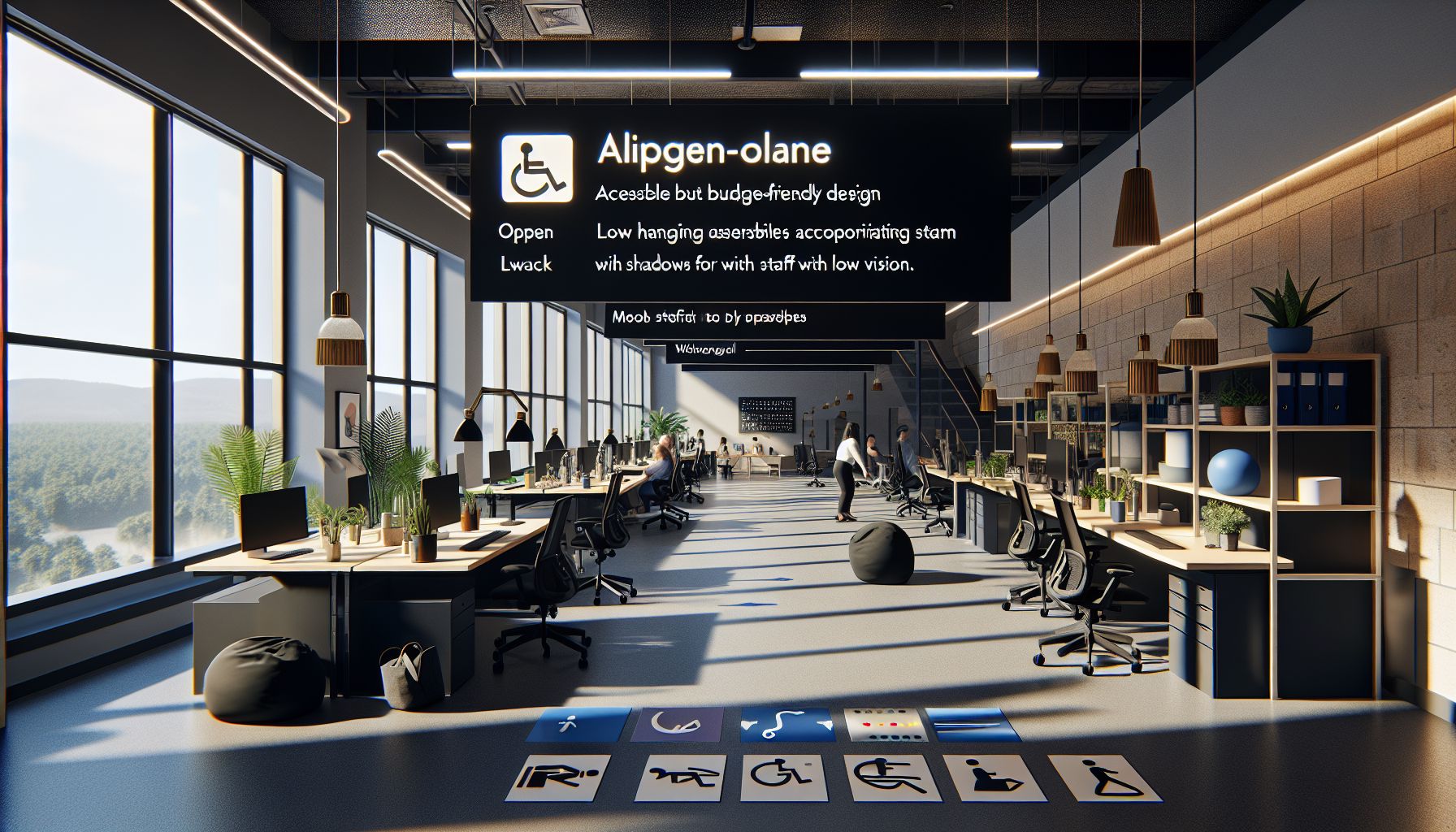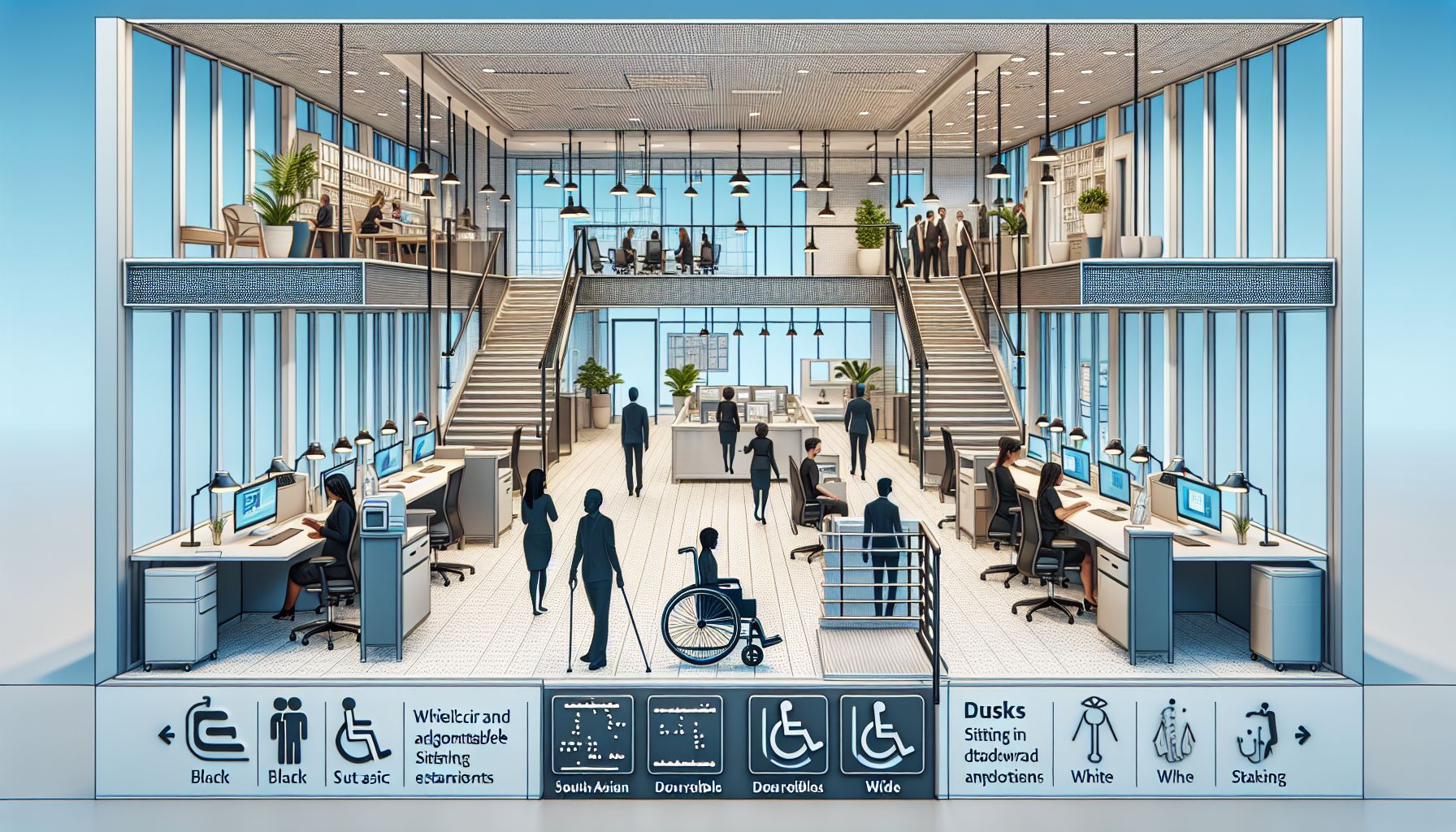
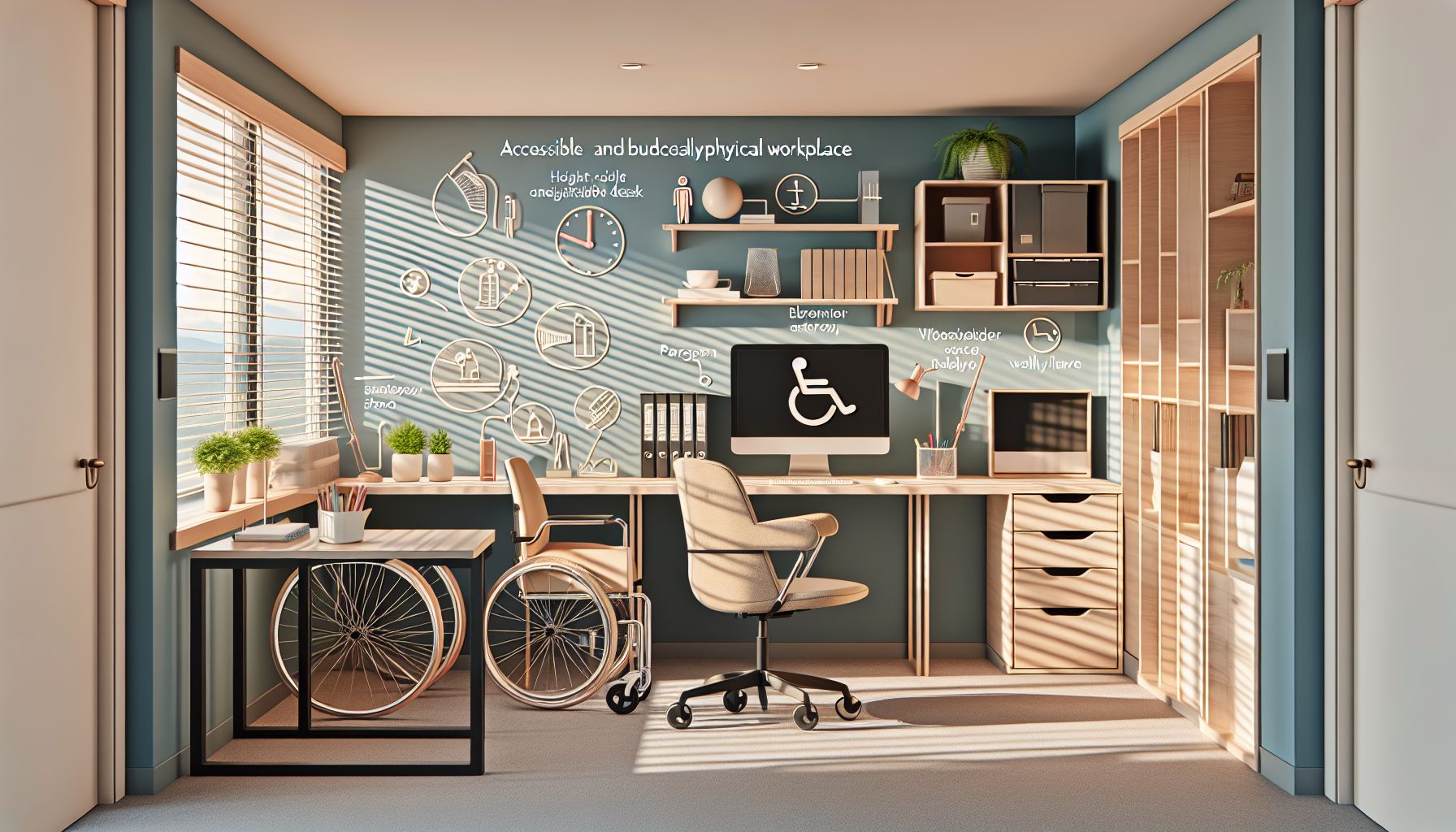
Creating accessible physical workspaces benefits everyone. It fosters inclusivity and enhances productivity. However, many companies fear that making these changes may cost too much. This article outlines practical and budget-friendly ways to design accessible workspaces.
Understanding Accessibility
Accessibility means making a workplace usable by everyone, including people with disabilities. This includes those with mobility impairments, vision impairments, hearing impairments, and cognitive disabilities. Ensuring accessibility improves the work environment for all employees.
Assessing Your Current Workspace
The first step in designing an accessible workspace is to assess the current layout. Walk through the area and identify obstacles. Look for narrow doorways, steep ramps, and cluttered pathways.
- Tip: Involve your team in this assessment. Employees can provide valuable insights into accessibility challenges.
Budget-Friendly Modifications
Many modifications can improve accessibility without breaking the bank. Here are some ideas.
1. Rearranging Furniture
Rearranging desks, chairs, and other furniture can create more space. Make sure pathways are wide enough for wheelchairs or other mobility devices.
- Example: Move desks away from doorways to avoid blocking access.
2. Adding Ramps
If your workspace has stairs, consider adding ramps. Portable ramps are affordable and can be removed when not in use. Ensure the ramps have non-slip surfaces for safety.
3. Improving Lighting
Good lighting benefits everyone. Replace dim bulbs with bright, energy-efficient lights. This helps employees with vision impairments. Adding adjustable desk lamps can also help.
4. Installing Grab Bars
In restrooms or near stairs, grab bars provide support for those who need it. These bars are relatively inexpensive and easy to install.
5. Utilizing Signage
Clear signage helps everyone navigate the workspace. Use large, clear fonts for signs. Consider adding braille for employees with vision impairments.
6. Providing Noise-Cancelling Solutions
Noise can be distracting. Offer noise-cancelling headphones or soundproofing materials for quiet work areas. This can help employees with hearing sensitivities focus better.
7. Creating Relaxation Areas
Designate quiet spaces for employees to relax. Simple seating areas with soft furnishings can provide relief. This is beneficial for employees with anxiety or sensory issues.
Technology as a Tool
Technology can enhance accessibility in many ways. Here are some cost-effective technological solutions:
1. Screen Reading Software
For visually impaired employees, screen reading software can make a big difference. Many free versions are available online.
2. Communication Apps
Use communication apps that help team members connect. This can be essential for employees with hearing impairments.
3. Video Conferencing
Set up video conferencing tools to allow remote participation. This helps employees who may have mobility issues or other barriers.
Engaging Employees
Engaging your employees in the process is crucial. Here are some ways to include them:
1. Gather Feedback
Create surveys or hold meetings to gather feedback on accessibility needs. Understanding employees’ perspectives can guide your design choices.
2. Form a Committee
Consider forming a diversity and inclusion committee. This team can focus on accessibility initiatives and promote awareness throughout the organization.
3. Provide Training
Offer training for all employees on accessibility awareness. Teach them how to assist colleagues with disabilities and promote a culture of inclusivity.
Pros and Cons of Accessible Workspaces
Pros
- Increased Productivity: Accessible workspaces improve overall employee performance by reducing barriers.
- Employee Satisfaction: Inclusivity boosts morale and job satisfaction.
- Legal Compliance: Designing accessible spaces helps businesses comply with laws such as the ADA.
Cons
- Initial Costs: There may be some upfront costs for modifications.
- Time Investment: Planning and implementing changes takes time.
Resources for Further Learning
Before implementing changes, consult experts in workplace accessibility. Organizations like the Job Accommodation Network (JAN) offer free guidance. Their website provides valuable information on accommodations and best practices.
Another resource is the Partnership on Employment and Accessible Technology (PEAT). They share information about accessible technology and practices.
For comprehensive insight into workplace inclusion, check out the definitive workplace inclusion guide.
Conclusion
Designing accessible physical workspaces doesn’t have to be costly. Many budget-friendly strategies exist to improve accessibility. These changes can benefit all employees, creating a more inclusive and productive environment.
Start small, gather feedback, and build on these improvements over time. Investing in accessibility is investing in a better workplace for everyone.